Overview
Your home at a glance
The console starting page: understand what Velmo sees and which TV needs attention.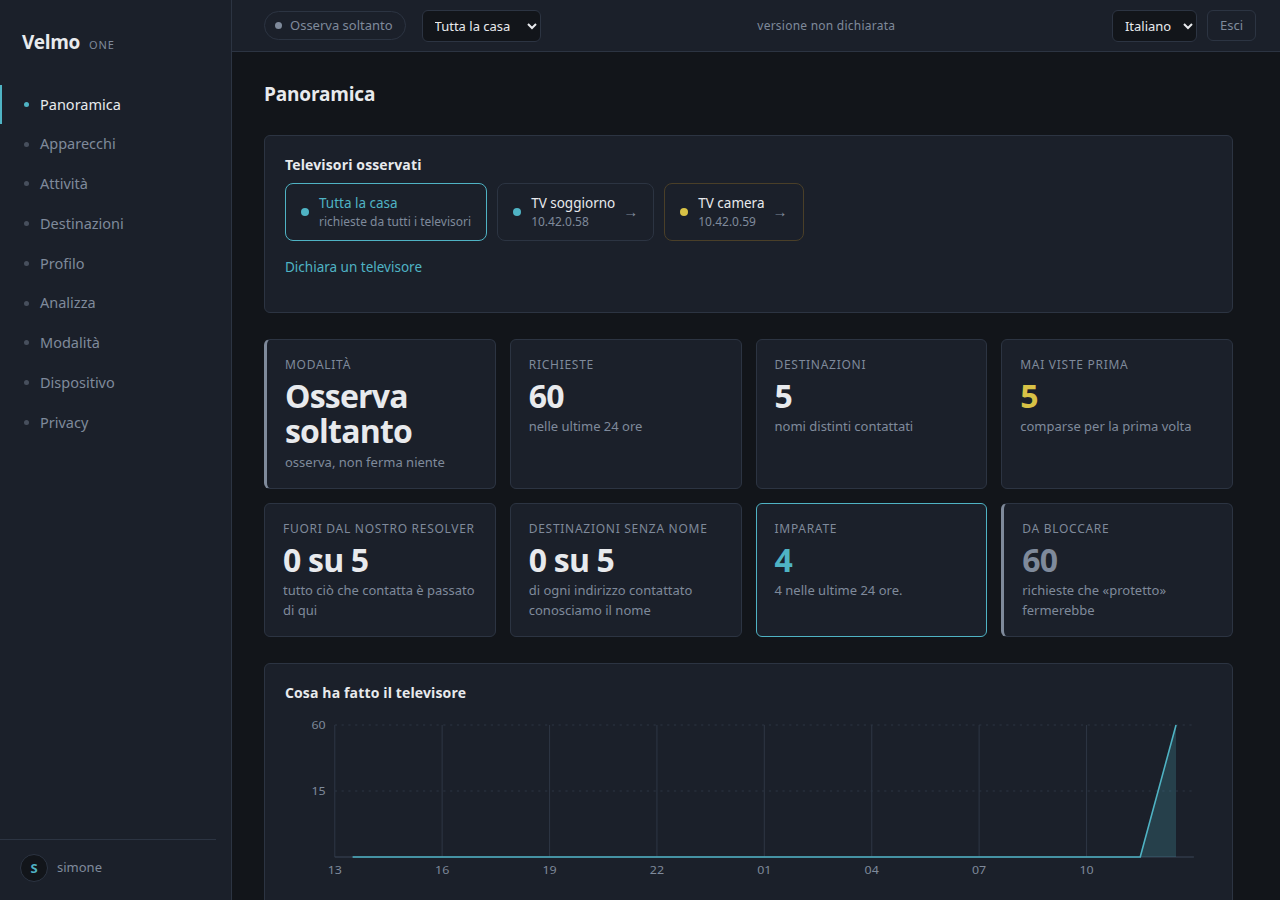
What you find on this page
- 01
Top selector
Choose the whole home or one TV. It filters data and links without changing configuration.
- 02
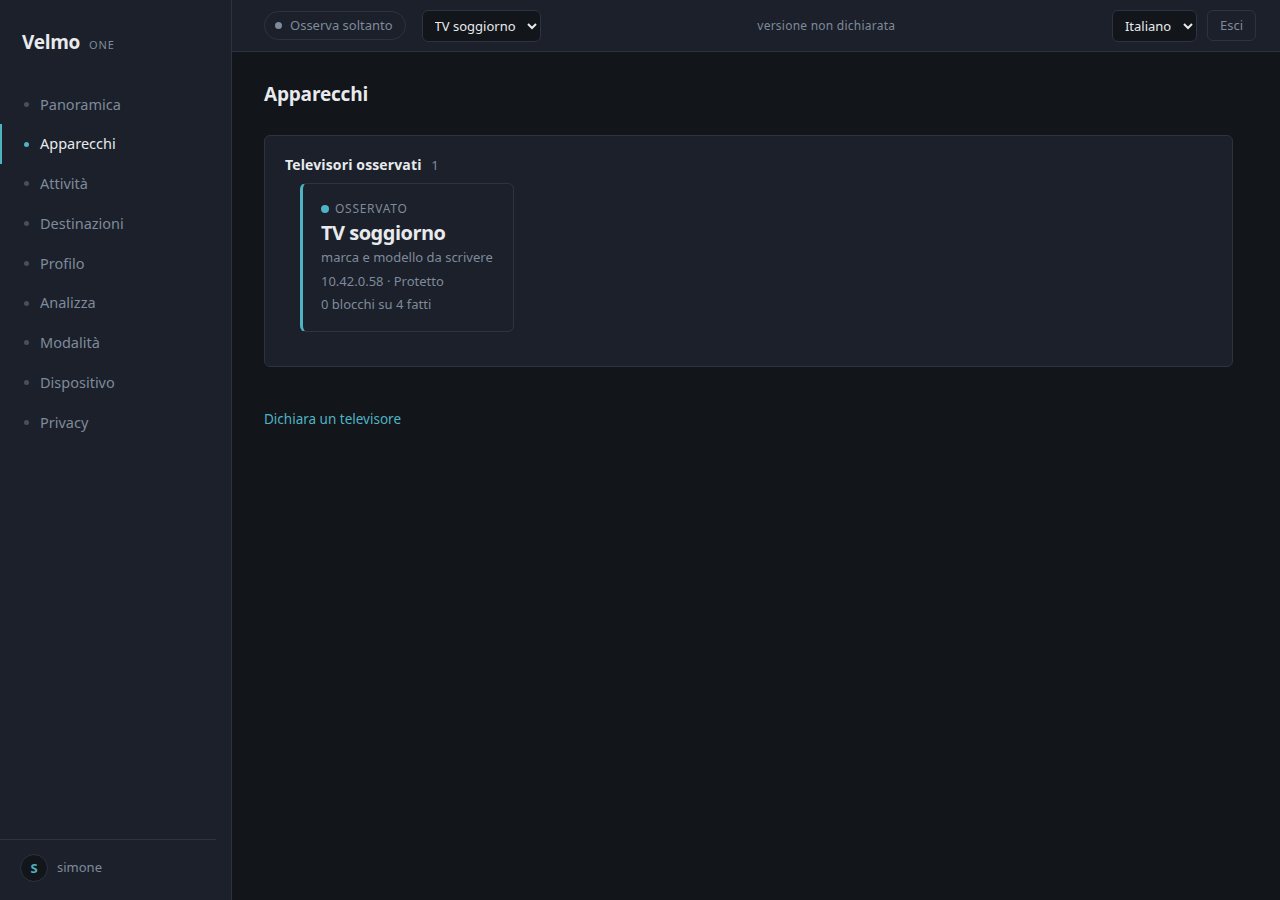
Watched TVs
Each card opens that device. Declare a TV only when you recognise it on the VELMO network.
- 03
Status cards
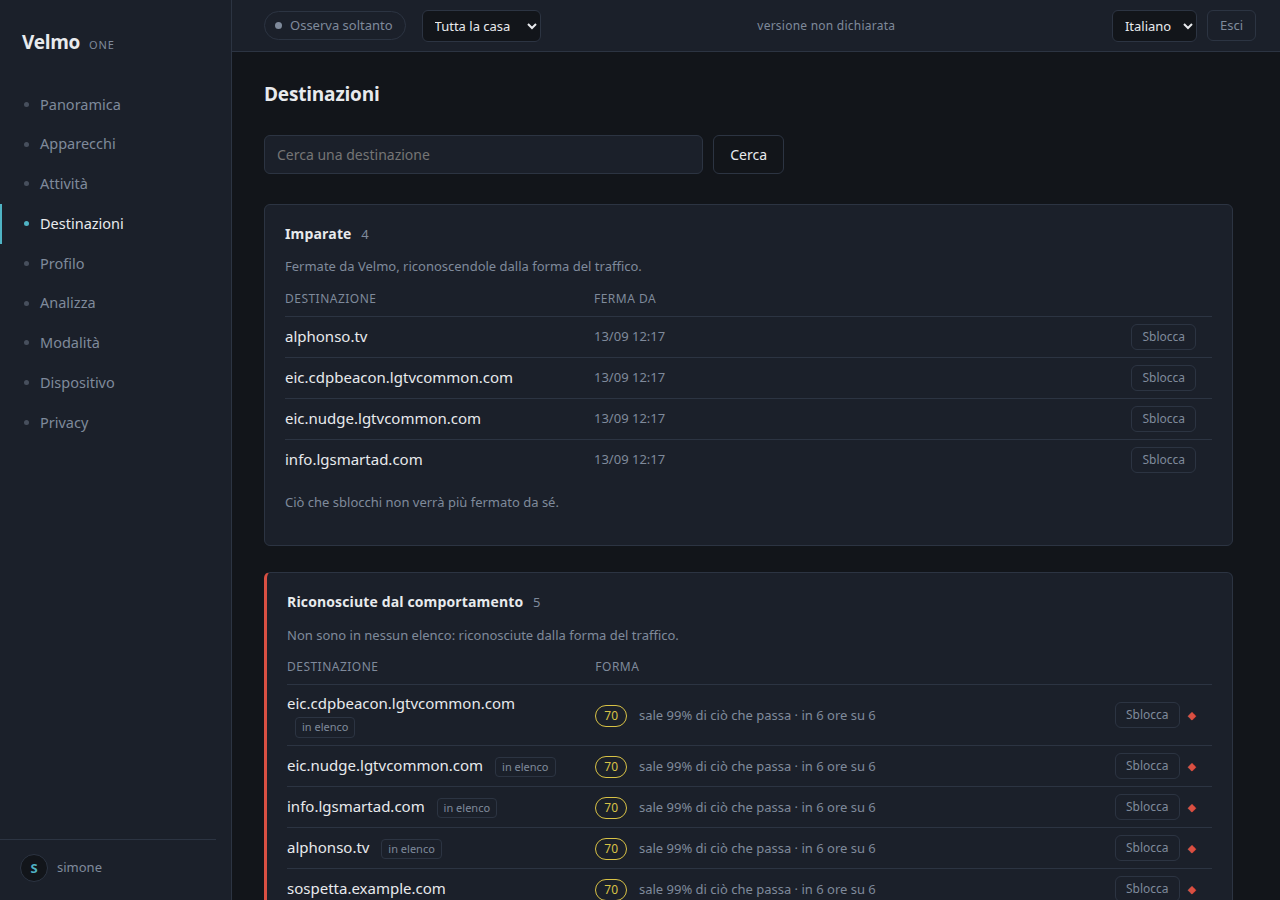
Mode, requests, destinations, new names, learned names and blocks are shortcuts to their detailed pages.
- 04
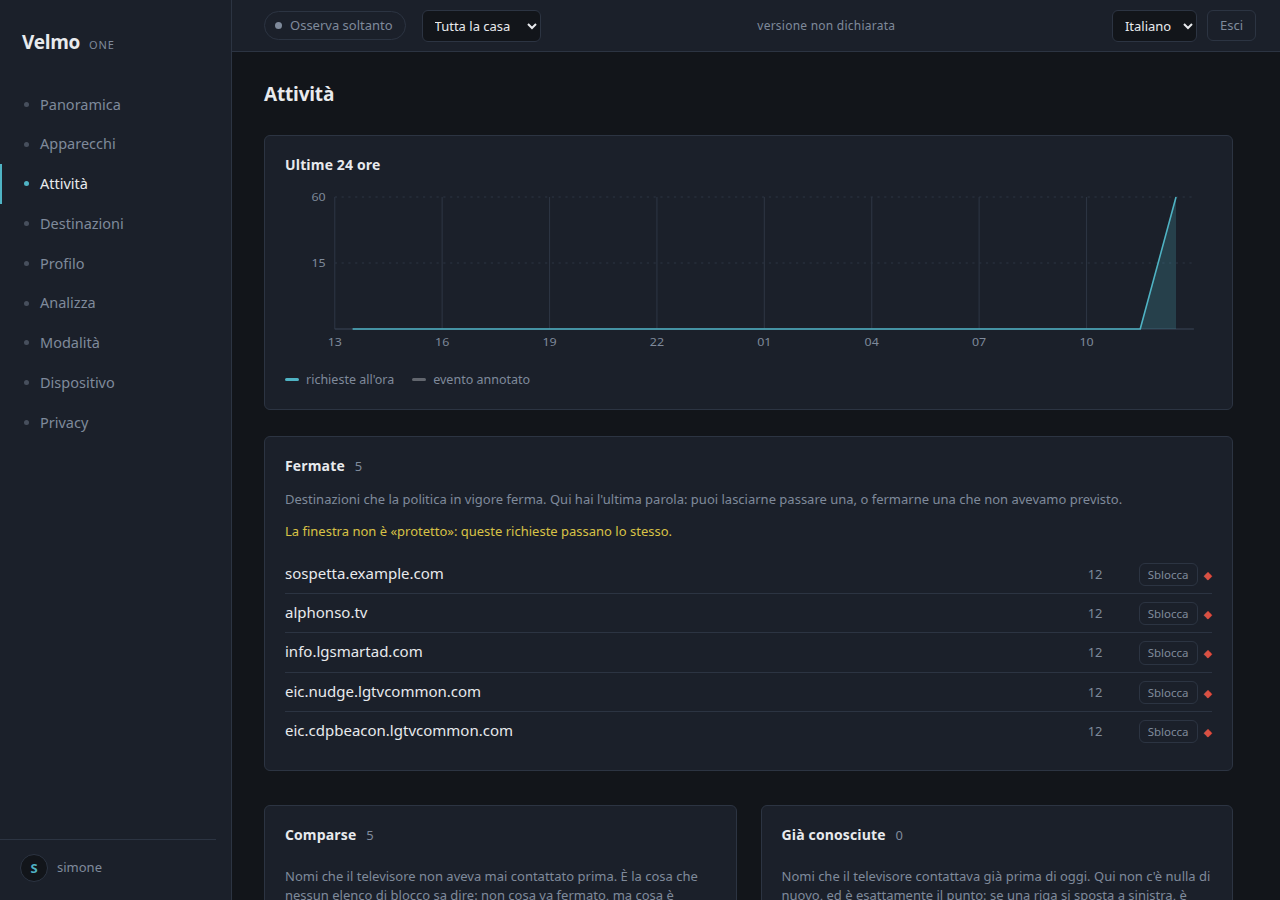
Chart
Shows the last 24 hours. Locate a change here, then open Activity or Destinations.